
Richmedia resource
Marketing KPI Dashboard Template 2026
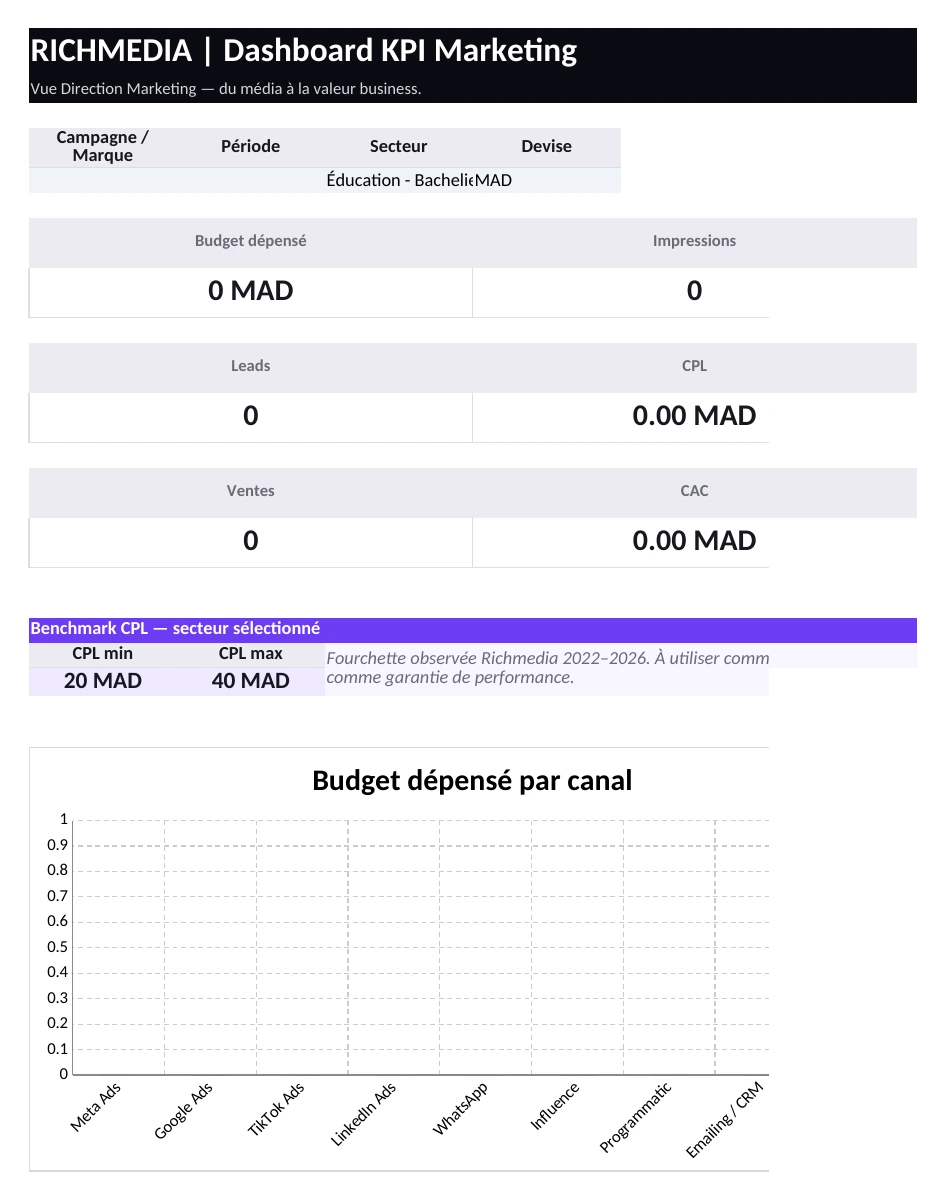
Manage campaigns from media to sales: budget, CPL, lead quality, CAC, revenue and ROAS in one Excel dashboard.
Excel • Free • Editable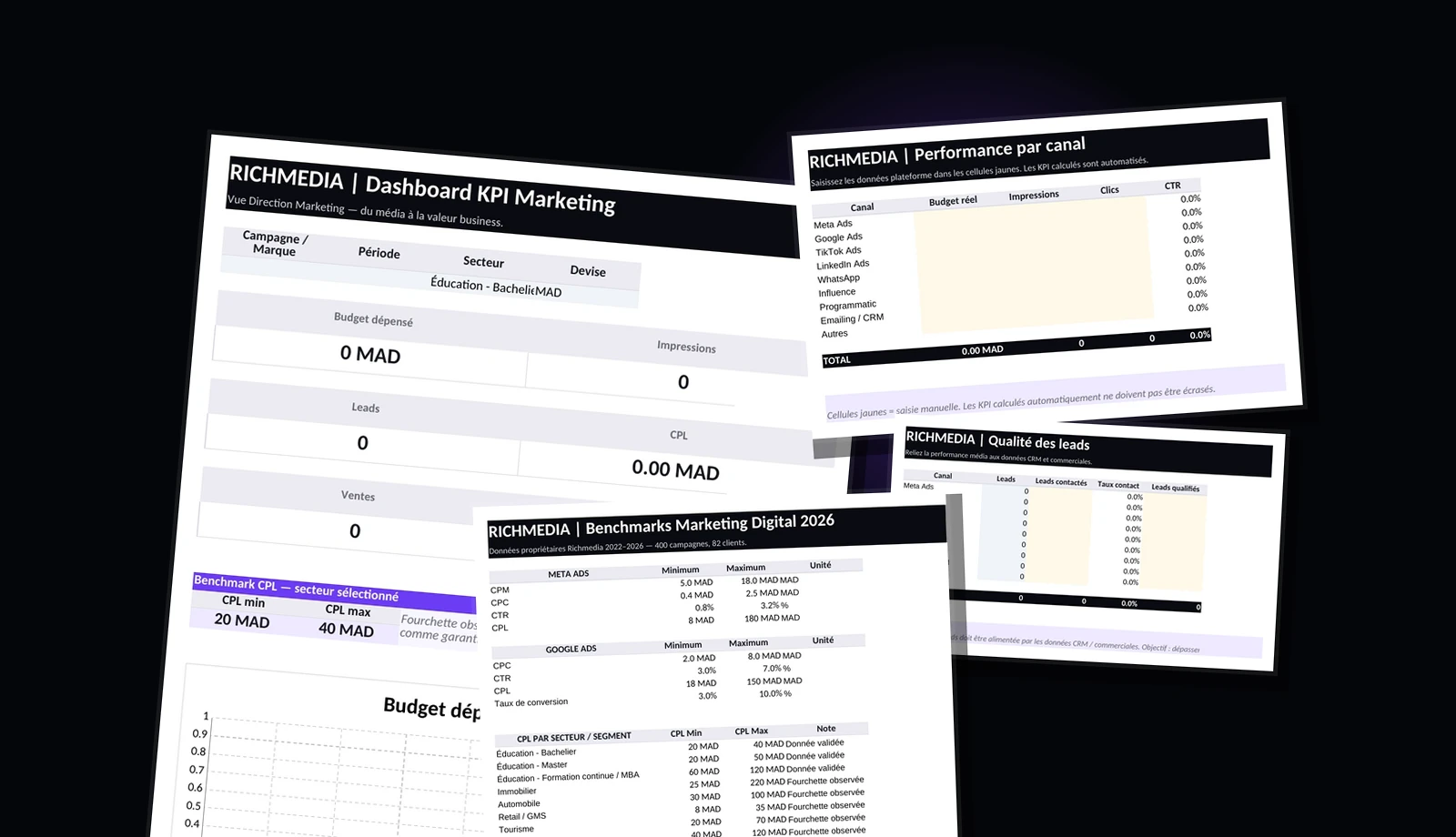
File preview
Real Excel views, not a fake interface.
These visuals are generated from the exact Excel file used for download, without editing its content.
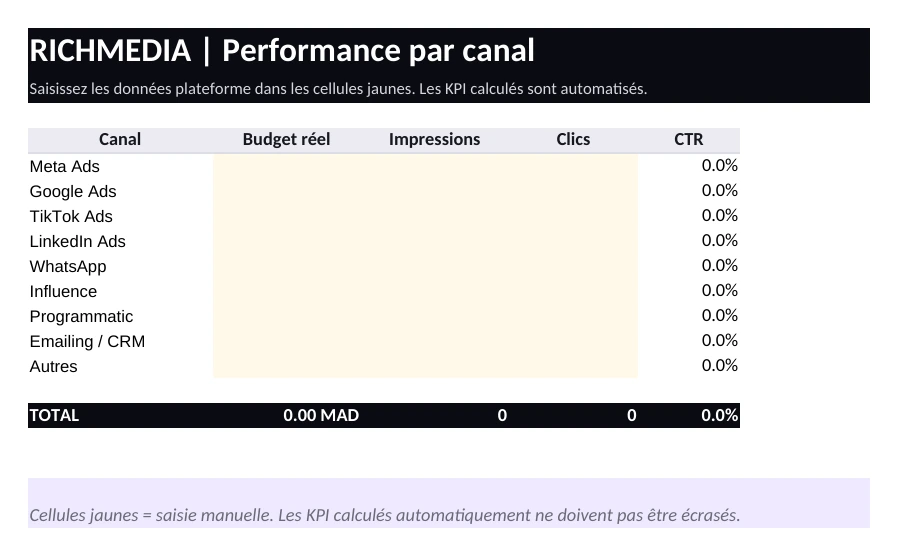
Channel performance
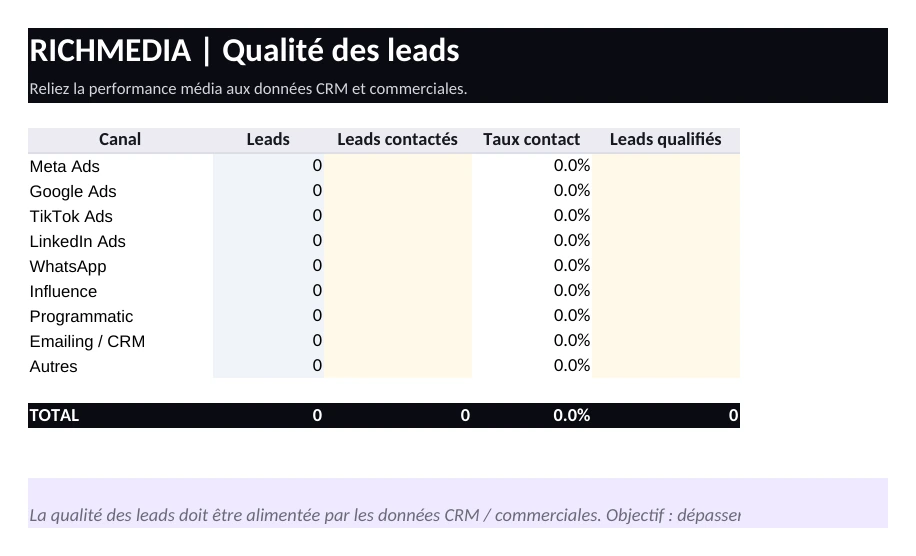
Lead quality
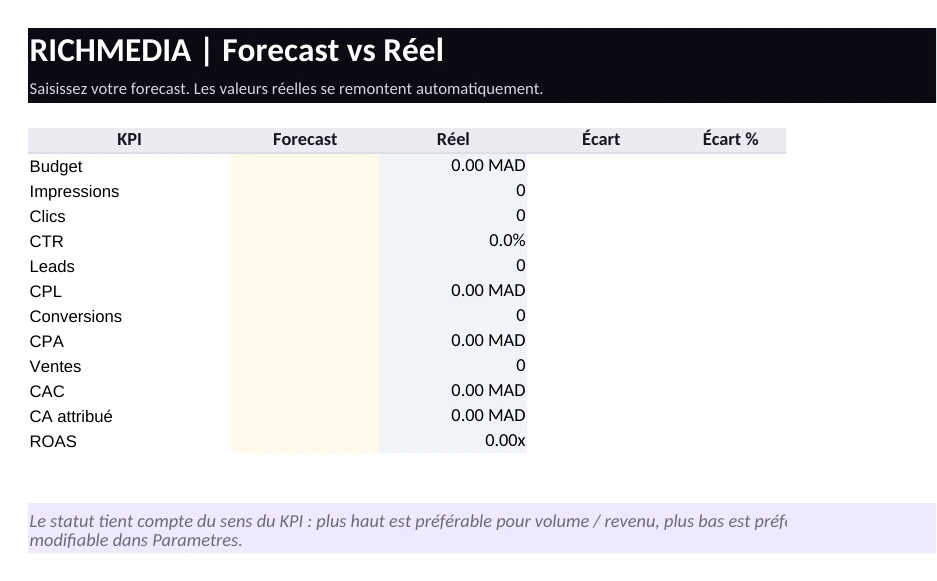
Forecast vs Actual
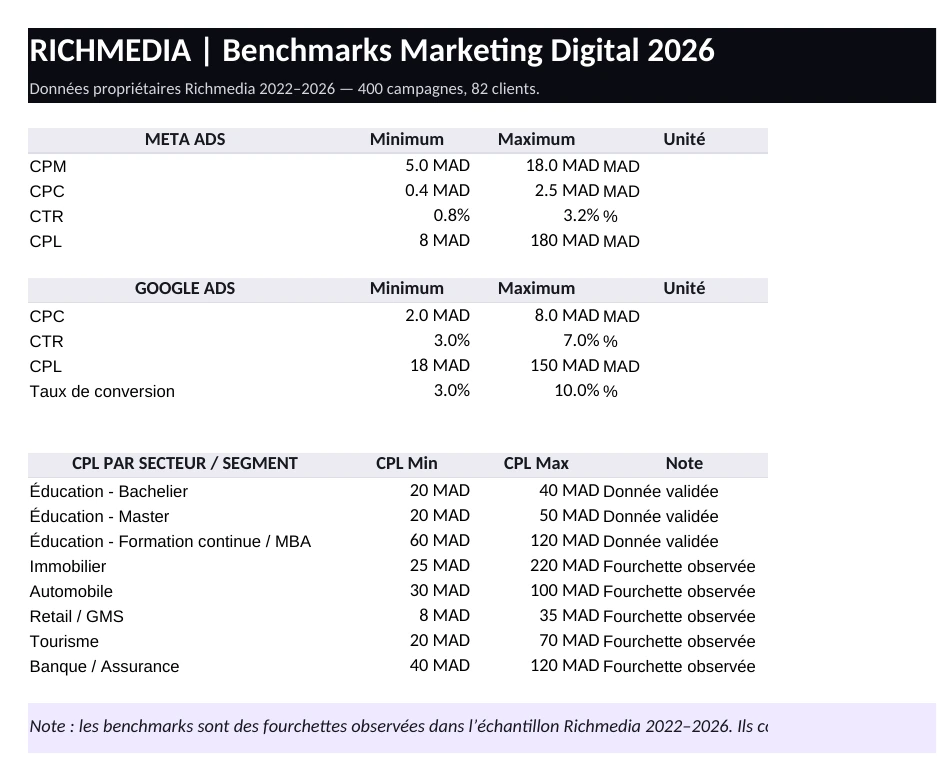
Richmedia 2026 benchmarks
Inside the template
Seven tabs to connect media, acquisition, quality and business.
The file keeps the reporting logic readable from channel performance to sales value, with settings and instructions included.
A consolidated control view for campaign, budget, leads, CPL, sales and ROAS.
Media inputs and channel KPIs used to compare acquisition efficiency.
Lead follow-up indicators connecting media performance with commercial reality.
A simple view to compare planned KPIs with real campaign results.
Richmedia benchmark ranges included in the workbook as reference points.
Editable assumptions for campaign, sector, currency and channel setup.
Step-by-step guidance for using the workbook without overwriting calculated cells.
Who is it for?
Built for teams that need one shared view of marketing performance.
Download
Download the free Excel file
Fill in the form. After validation, the exact Excel file attached to this project starts downloading automatically.